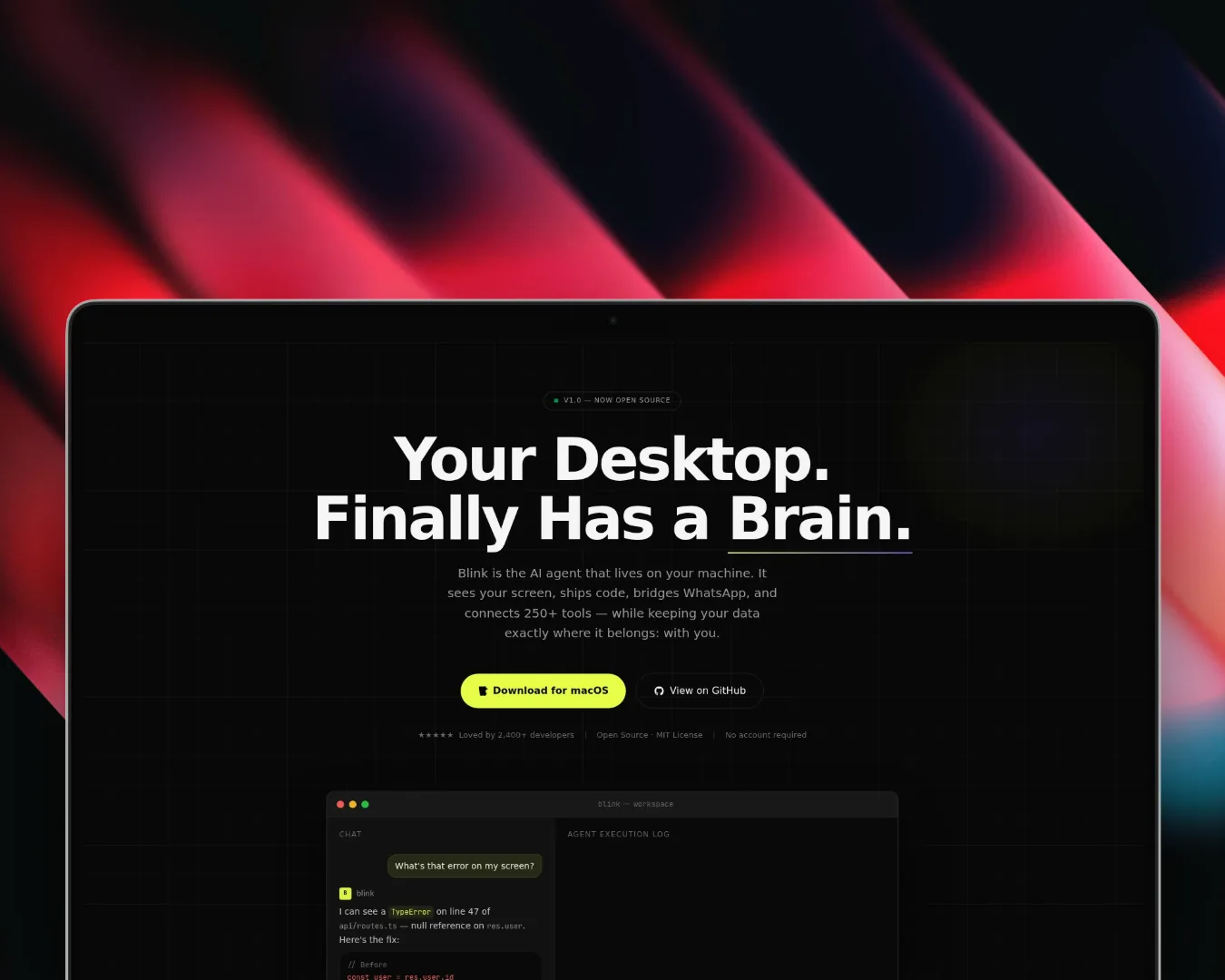
Demo video
Watch the product walkthrough
BlinkAI
Desktop AI assistant combining local chat, screen capture, voice input, MCP tools, Composio integrations, local memory, and workflow automation in one workspace
Timeline
2026
Role
Full Stack AI Engineer
Team
Solo
Status
In-progressTechnology Stack
Key Challenges
- Desktop Agent UX
- Harness Pool and Thread Lifecycle
- MCP and Composio Tool Routing
- Voice and Screen Context
- Local Memory
- AWS-backed File, Graph, and Queue Workflows
Key Learnings
- Mastra Agent Architecture
- Electron Desktop Surfaces
- MCP Tool Orchestration
- Composio Workflow Integrations
- Harness Pool Design
- AWS S3, DynamoDB, and SQS
- Voice-first Assistant UX
BlinkAI: Desktop AI Assistant
Overview
BlinkAI is a desktop AI assistant built around Electron, React, TypeScript, Bun, and Mastra. It is designed to live where work actually happens: on the desktop, close to the screen, files, browser context, messages, and the tools that usually force people into a stack of tabs.
The product idea is simple: keep the assistant close enough to observe context, but give it enough tool access to do useful work. BlinkAI combines local chat, screen capture, voice input, file handling, persistent memory, MCP servers, Composio integrations, and AWS-backed workflow storage into one agent workspace.
Why I Built This
Most AI productivity workflows still ask the user to leave the task they are doing. A developer sees an error, opens a browser, pastes context into ChatGPT, checks GitHub, opens docs, and comes back with half the original thread lost. A product or ops person does the same loop across Gmail, calendar, WhatsApp, docs, and issue trackers.
BlinkAI explores a different interface: a desktop assistant that can read visible context, accept voice or chat input, route into the right tools, and complete small workflows without turning every request into a browser-tab detour.
The goal is not just "chat on desktop." The goal is a local command surface for real work: ask, inspect, route, act, remember.
Key Capabilities
- Desktop AI chat for drafting, summarizing, debugging, planning, and task execution
- Screen capture and OCR context so the assistant can reason about what is visible, not just what is pasted
- Voice input with Deepgram transcription and voice activity detection for hands-free interaction
- File handling for documents, images, code context, and user uploads directly inside the assistant loop
- MCP and Composio routing for GitHub, Gmail, Google Calendar, WhatsApp, and a wider tool ecosystem
- Mastra agent modes for fast answers, planning, and build-style task execution
- Local memory backed by LibSQL and FastEmbed-style semantic retrieval
- AWS-backed infrastructure using S3 for objects, DynamoDB for knowledge graph state, and SQS for async work
Architecture
BlinkAI is organized as a desktop-first agent system with a local interaction layer, a routing layer, a Mastra agent core, a tool layer, and storage split between local memory and cloud workflow state.
Core components, runtime flow, and durability boundaries.
This structure keeps the interface responsive while still giving the assistant access to the systems that make it useful beyond plain chat.
Request Flow
A typical request moves through the system in a few stages:
1. User asks a question from the desktop app, web widget, or WhatsApp bridge.
2. The router sends the request into the active thread in the harness pool.
3. The harness chooses the right agent path: FAST, PLAN, or BUILD.
4. The agent gathers context from memory, screen capture, files, or voice input.
5. The tool orchestrator selects MCP, Composio, workspace, or AWS-backed tools.
6. Long-running work is pushed into queue/storage paths instead of blocking the UI.
7. The response streams back while the conversation and useful context are persisted.
For example, "summarize the emails from the design team and draft replies" can become a routed workflow: pull Gmail context through Composio, retrieve user tone from memory, create draft responses, schedule follow-ups, and keep the thread state available for the next instruction.
Component Breakdown
| Layer | Responsibility | Implementation |
|---|---|---|
| Desktop surface | Persistent assistant UI close to the user's work | Electron, React, TypeScript, Tailwind CSS |
| Routing layer | Accept messages and route them into active threads | Hono routes, API handlers, harness pool |
| Agent core | Decide whether the task needs a fast answer, a plan, or execution | Mastra agent modes |
| Context capture | Bring the user's real working context into the loop | screen capture, OCR, files, Deepgram voice input |
| Local memory | Keep conversation and semantic recall available without forcing everything into cloud state | LibSQL, embeddings |
| Tool orchestration | Connect the assistant to real workflows | MCP servers, Composio, workspace tools |
| Cloud workflow state | Handle durable files, graph state, and async tasks | AWS S3, DynamoDB, SQS |
Local-First vs Cloud-Backed
BlinkAI keeps the interaction loop local-first where it matters: desktop UI, visible context, thread state, and semantic memory can stay close to the user. That keeps the assistant fast and avoids making every action depend on a remote product shell.
The cloud layer is used for the parts that benefit from durability and asynchronous execution:
- S3 stores uploaded files, shared documents, and object context.
- DynamoDB acts as the persistent knowledge graph layer for entities, workflows, and relationships.
- SQS handles background work, delayed jobs, scraping tasks, and workflows that should not block the chat UI.
That split is the core architecture choice: local responsiveness for interaction, cloud durability for workflows.
Agent Modes
BlinkAI uses multiple agent paths instead of treating every request as the same kind of problem.
- FAST is for short, low-tool answers where loading heavy context would waste time.
- PLAN is for multi-step tasks that need decomposition before execution.
- BUILD is for action-heavy workflows where the assistant may call tools, touch files, or coordinate external services.
This keeps simple questions lightweight while still leaving room for deeper automation.
Tool Routing
The tool layer combines two ideas:
- MCP servers provide a standard way to attach local or community tools.
- Composio integrations provide broad access to SaaS workflows such as GitHub, Gmail, Google Calendar, and more.
The result is an assistant that can move from "what does this error mean?" to "create an issue, attach the context, and draft the follow-up" without changing surfaces.
What I Built
The project touches the full stack of an agent product:
- Electron desktop shell and React UI
- Mastra-based agent orchestration
- Hono/API routing and harness lifecycle management
- screen, voice, and file context ingestion
- local semantic memory
- MCP and Composio tool integrations
- AWS-backed file, graph, and queue infrastructure
- demo and web preview surface
What This Shows
BlinkAI shows the kind of AI system I like building: product-shaped, tool-aware, and close to real user workflows. It is not just a prompt wrapper. It combines desktop UX, agent architecture, memory, workflow automation, cloud infrastructure, and integration design into one assistant surface.
The most important proof is the architecture: BlinkAI is built around routing, context, memory, and execution. That is the difference between a chatbot demo and an assistant that can become part of someone's actual operating system for work.